What it is
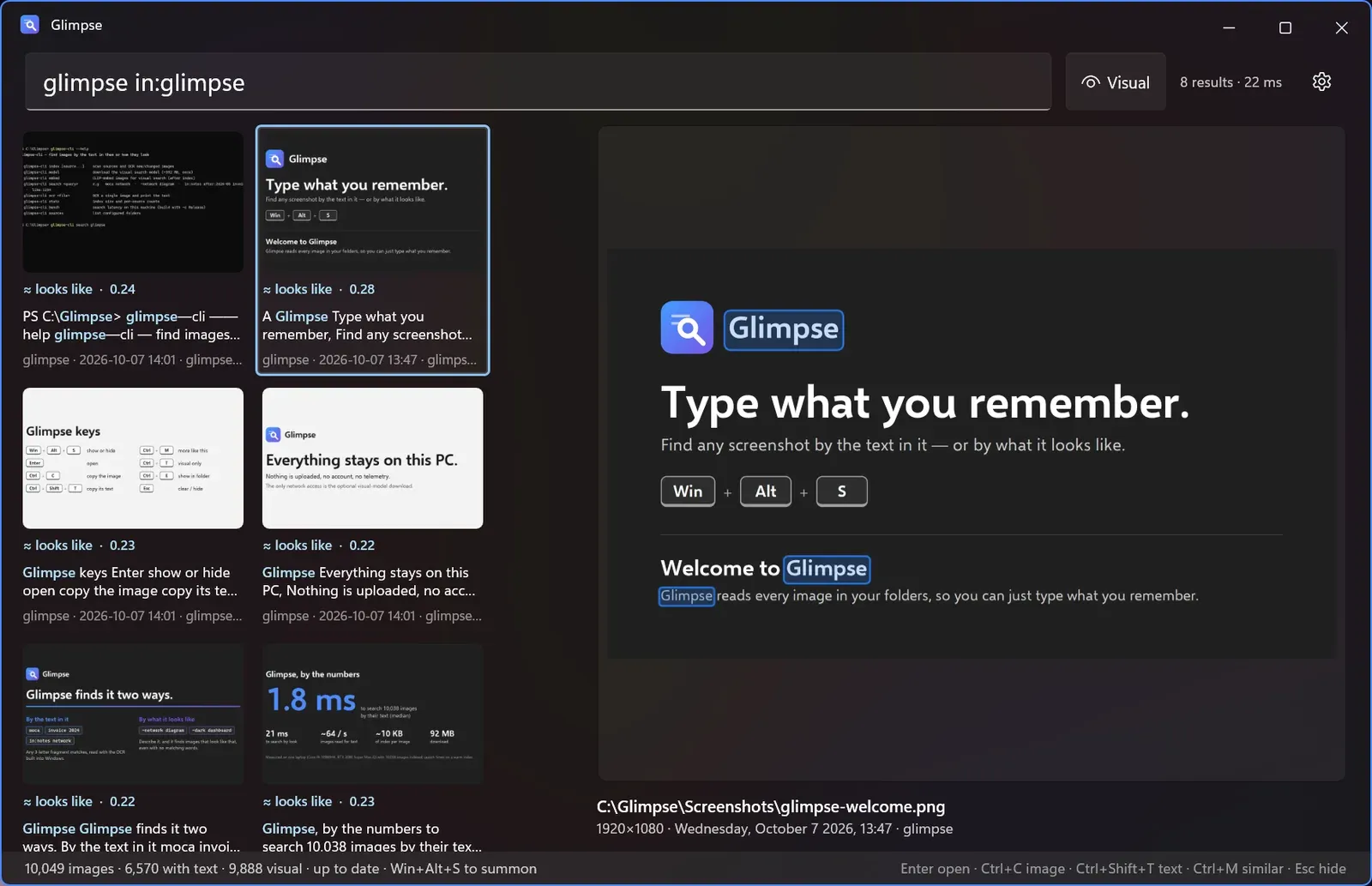
You took a screenshot of an error message, a network diagram, a receipt. You remember what was in it, not what the file was called or when you took it. Glimpse reads every image in the folders you point it at, so you press Win+Alt+S and type what you remember. Three kinds of match come back together: the text in the image, read with the OCR built into Windows; what the image looks like, from a CLIP model running on the GPU; and what the text means, from Google’s EmbeddingGemma 2, so “invoice” also finds “factura” and “to-do list” finds a checklist that never uses those words.
It lives in the tray, indexes new screenshots as they land, copies the image or its text with one shortcut, and plugs into PowerToys Command Palette. Nothing is uploaded, there is no account and no telemetry; the only network access is the optional model downloads. MIT licensed. The release is a 92 MB zip with a per-user installer: no admin rights, nothing else to install.
Why I built it
My Windows box holds about ten thousand screenshots and note attachments, and I kept losing the one I needed. Linux had gyotaku for this; I wanted the same on Windows, with search by look added.
It is also a test of how far an AI coding agent gets on a desktop app. Glimpse went from first commit to a public release in one day, October 7, and to version 0.6.0 with search by meaning on October 13. All 26 commits are co-authored by the agent; I set the direction, tested on my own library, and decided what shipped.
How it works
- OCR is Windows’ own engine, run with several workers in parallel.
- The index is SQLite: an FTS5 table with the trigram tokenizer, so any three-letter fragment matches anywhere in a word, plus CLIP ViT-B/16 image vectors and EmbeddingGemma text vectors compared in memory with SIMD.
- Results merge with reciprocal rank fusion: exact text hits first, then loose text, meaning and visual matches interleaved. The matched words are outlined on the preview.
- Four parts: a core library with the OCR, the index and the folder watcher; a command-line tool; the WinUI 3 app with the hotkey, the tray icon and a named-pipe server; and the Command Palette extension, an MSIX-packaged COM server that asks the running app over the pipe instead of opening the index itself.
- The models are one-time downloads into the user’s data folder, 392 MB for CLIP and 330 MB for EmbeddingGemma. Without them Glimpse is text search only, and still works.
By the numbers
Measured on my machine, a Core i9-10980HK with an RTX 2080 Super Max-Q, with 10,038 images indexed:
| Text search | 1.8 ms median |
| Search by look | 21 ms median |
| Text and look together, the default | 27 ms median |
| All three, with the meaning model | 54 ms median |
| Reading text from images | about 64 images a second |
| Visual indexing on the GPU | about 95 images a second |
| Index size | about 10 KB per image |
| Memory in the tray | about 250 MB |
On 27 test queries against the same library, the right image came first for 9 queries with meaning on and 5 without, and in the top five for 17 against 12.
Five releases went out between October 7 and 13. The app zip has been downloaded 25 times as of October 30.
What’s next
- Code signing, so Windows stops warning about the installer; a signed package for the Command Palette extension; auto-update.
- EmbeddingGemma image embeddings. They beat CLIP in my tests but cost about seven seconds an image on the CPU, so they need a GPU path first.
- Clipboard-only snips, and reading more than the first frame of a GIF.
Updates
- October 30, 2026: page published. Current release 0.6.0 (October 13), which added search by meaning.