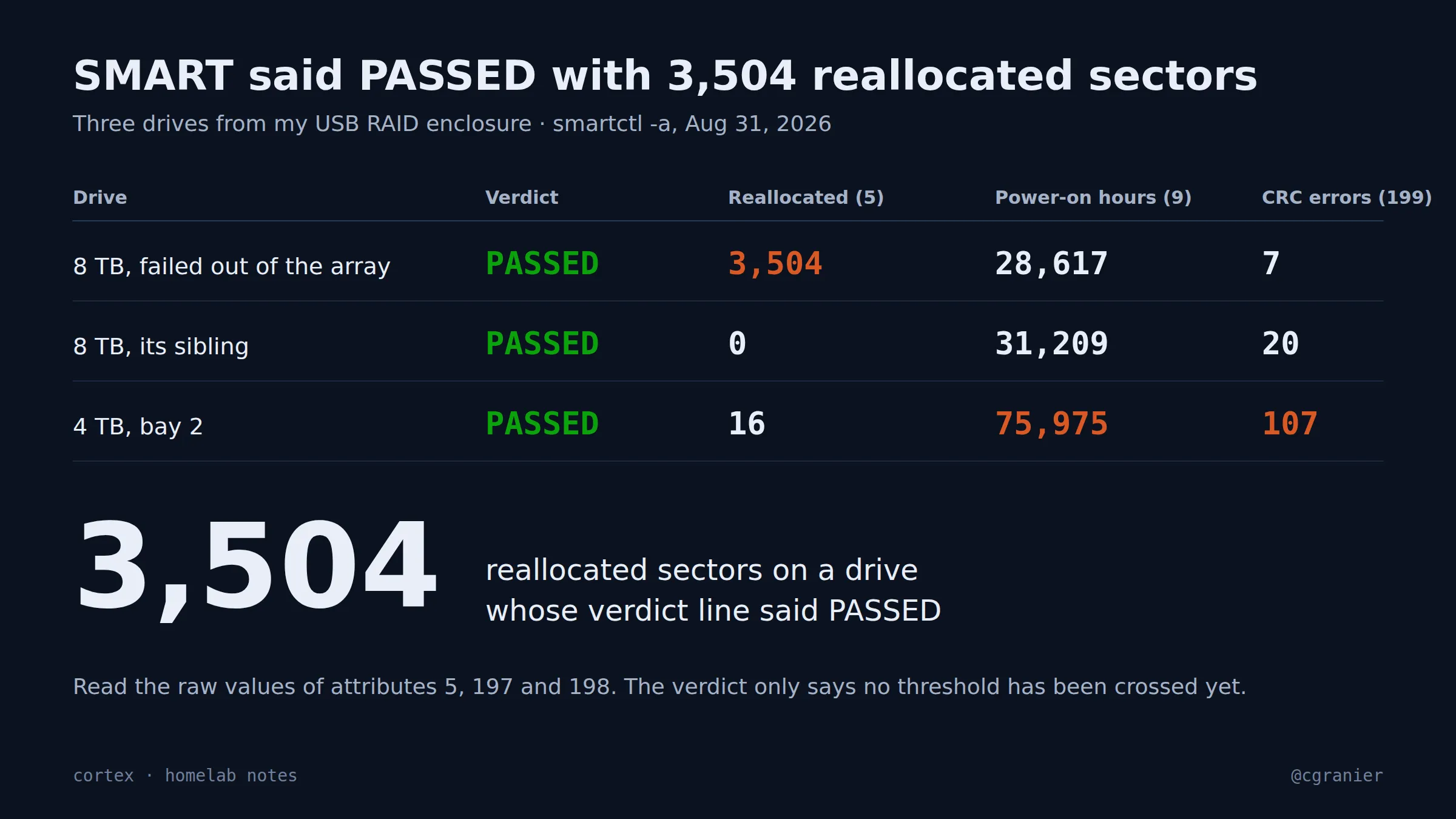
The short version: On August 31 I pulled the SMART data from the drives in my USB RAID enclosure. The 8 TB drive that had just failed out of the array reported “SMART overall-health self-assessment test result: PASSED”. It had 3,504 reallocated sectors. Its sibling had 0. A 4 TB drive in bay 2 with 75,975 power-on hours and 107 CRC errors also said PASSED.
Get the week's seven in one email, every Monday.
What went wrong
I had been reading the verdict line. The verdict is the drive’s own opinion, and the thresholds behind it are set so a drive stays “healthy” until it’s nearly dead. Reallocated sectors are the drive quietly retiring parts of itself. A count in the thousands means the spare pool is going. On this drive the normalized value for that attribute still read 100 against a failure threshold of 10, so the verdict stayed PASSED.
| Drive | Verdict | Reallocated (5) | Power-on hours (9) | CRC errors (199) |
|---|---|---|---|---|
| 8 TB, failed out of the array | PASSED | 3,504 | 28,617 | 7 |
| 8 TB, its sibling | PASSED | 0 | 31,209 | 20 |
| 4 TB, bay 2 | PASSED | 16 | 75,975 | 107 |
What we learned
- PASSED answers a different question. It means no attribute has crossed its failure threshold. It does not mean the drive is fine.
- Read the raw values of attributes 5 (reallocated sectors), 197 (current pending) and 198 (offline uncorrectable). Anything above zero on 5 or 197 is a drive to watch. Thousands is a drive to replace.
- Attribute 199 is usually the cable or the bridge, not the platters. 107 CRC errors on the bay-2 drive points at the enclosure, which is its own story.
- Hours matter. 75,975 power-on hours is about eight and a half years. That drive is a retirement candidate whatever SMART says.
What went right
The data took a minute to get: smartctl -a on each drive, saved to text files with the serial numbers stripped. Comparing the three side by side is what made the failed drive obvious. The sibling with 0 reallocated sectors and 31,209 hours is fine, and now I know that for the right reasons.
How to do it (as of October 2026)
- Run
sudo smartctl -a /dev/sdXon every drive. Behind a USB bridge you may need-d satfor the drive to answer. - Look at the RAW_VALUE column for attributes 5, 197 and 198. Zero is the only comfortable number.
- Check 199. If it climbs, reseat or replace the cable, or suspect the enclosure’s bridge, before blaming the drive.
- Convert attribute 9 to years. Above five, plan the replacement.
- Save each reading to a file with the date and the bay number, so the next reading has something to compare against. Strip serial numbers if the files leave the box.
Status
Still true. The verdict line hasn’t gotten any smarter.